Android · Free
PhotoFeather
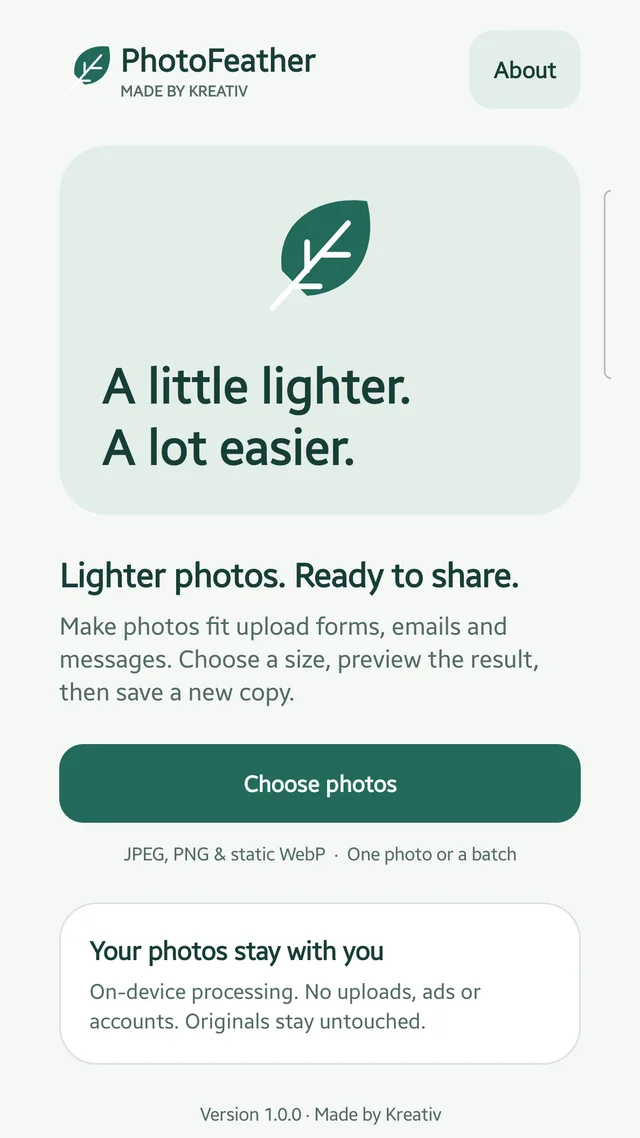
Compress and resize photos for forms, email and sharing. Check measured results and save new JPEG copies while keeping your originals.
What you can do
- Choose a 200 KB, 500 KB, 1 MB or custom file-size target
- Resize with Small, Medium, Large or custom longest-edge settings
- Check actual file sizes and dimensions, compare before and after, then save or share new copies
Photos are processed on-device, with no account, ads, analytics SDK or internet permission. Android's system picker may retrieve a photo from a cloud provider you choose.
All described features are included in version 1.0.0, with no purchases or subscriptions.
Output is lossy JPEG; quality and savings vary. Targets can reduce dimensions and may not always be met. Inputs are JPEG, PNG and static WebP. Metadata removal does not hide visible sensitive details.
Step-by-step guide
Make photos fit an upload limit on Android
Choose photos, resize or set a maximum file size, inspect measured results and compare before saving a new JPEG copy.