Android · Free + optional paid Pro
PaperBuild
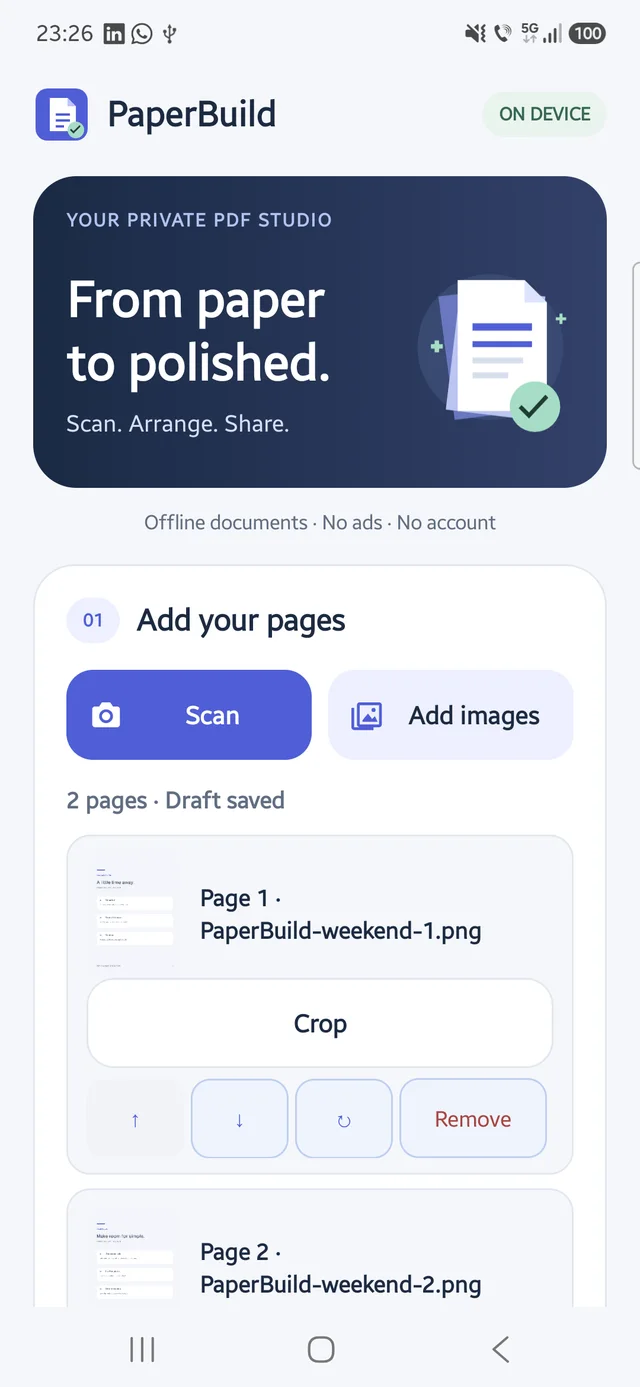
Turn photos and scans into a PDF, with private on-device drafts and a library of recent documents.
What you can do
- Capture or select images, then crop, rotate and reorder pages
- Export A4 or US Letter PDFs in colour, grayscale or high contrast
- Resume a saved draft and find, rename or share Recent PDFs
Documents are processed on-device without an account, advertising or uploads. The app has no internet permission; Google Play handles optional purchases.
The free PDF maker supports up to 10 pages. Optional one-time Pro unlocks unlimited pages, smaller exports, merge and extract tools, output passwords, watermarks, page numbers and reusable presets. Your local price is shown in Google Play before purchase.
Password-protected input PDFs require an unlocked copy. Editing a signed PDF invalidates its signature. Watermarks do not redact sensitive content; keep exported copies before uninstalling.