- Published
- October 25, 2026
- Category
- Product
- Related surface
- Kreativ Fancy Text
Kreativ Fancy Text is a free Android app for copyable styled text and matching PNG artwork. It works offline, with no account or ads. This guide uses the genuine bundled interface from version 1.0.1.
Get Kreativ Fancy Text on Google Play
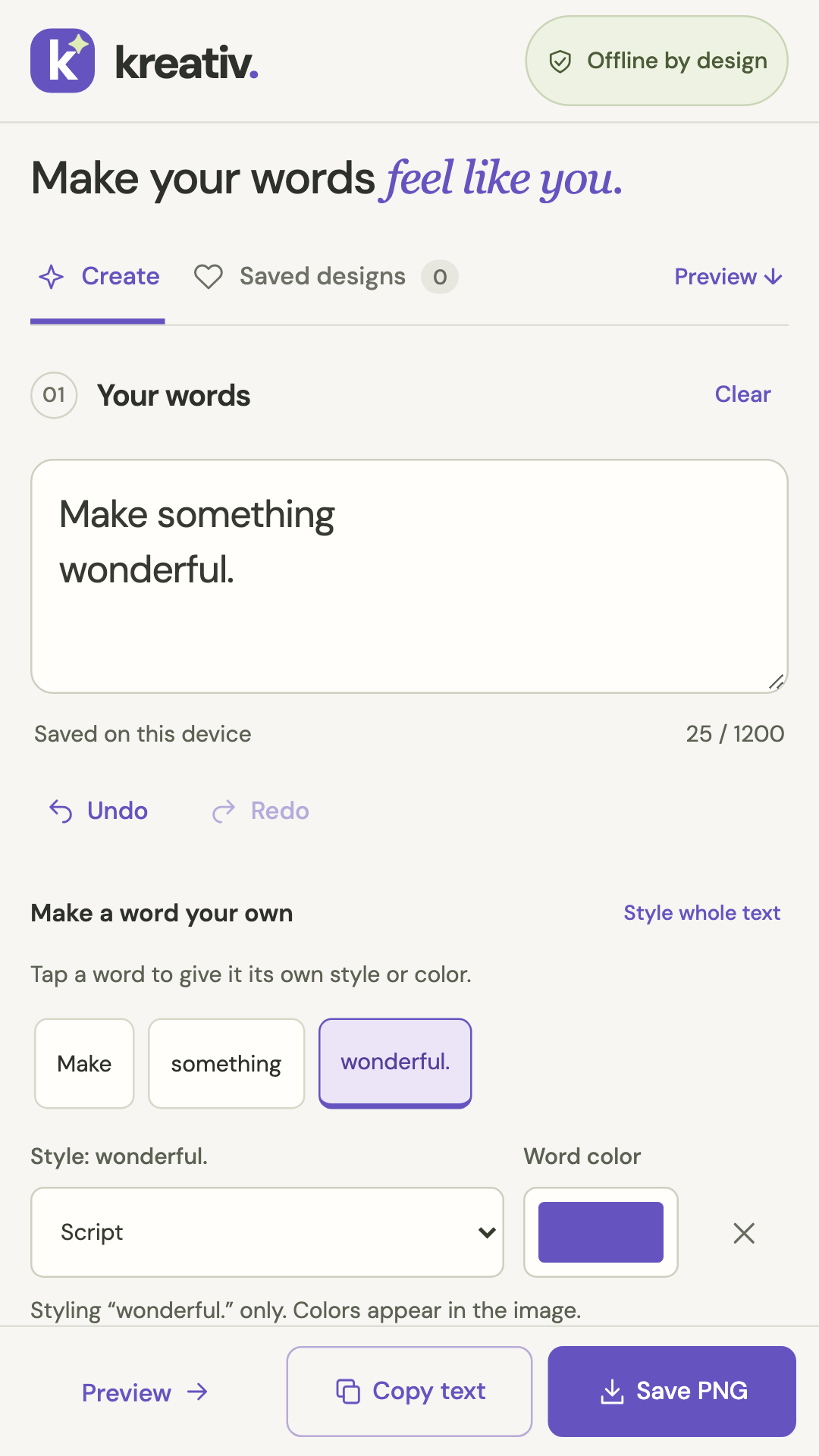
1. Write your message
Open Create and type a short message in Your words. Line breaks are supported. The limit is 1,200 UTF-16 code units, not necessarily 1,200 visible characters. Undo and Redo help you revise during the current session.
2. Style a word and choose a theme
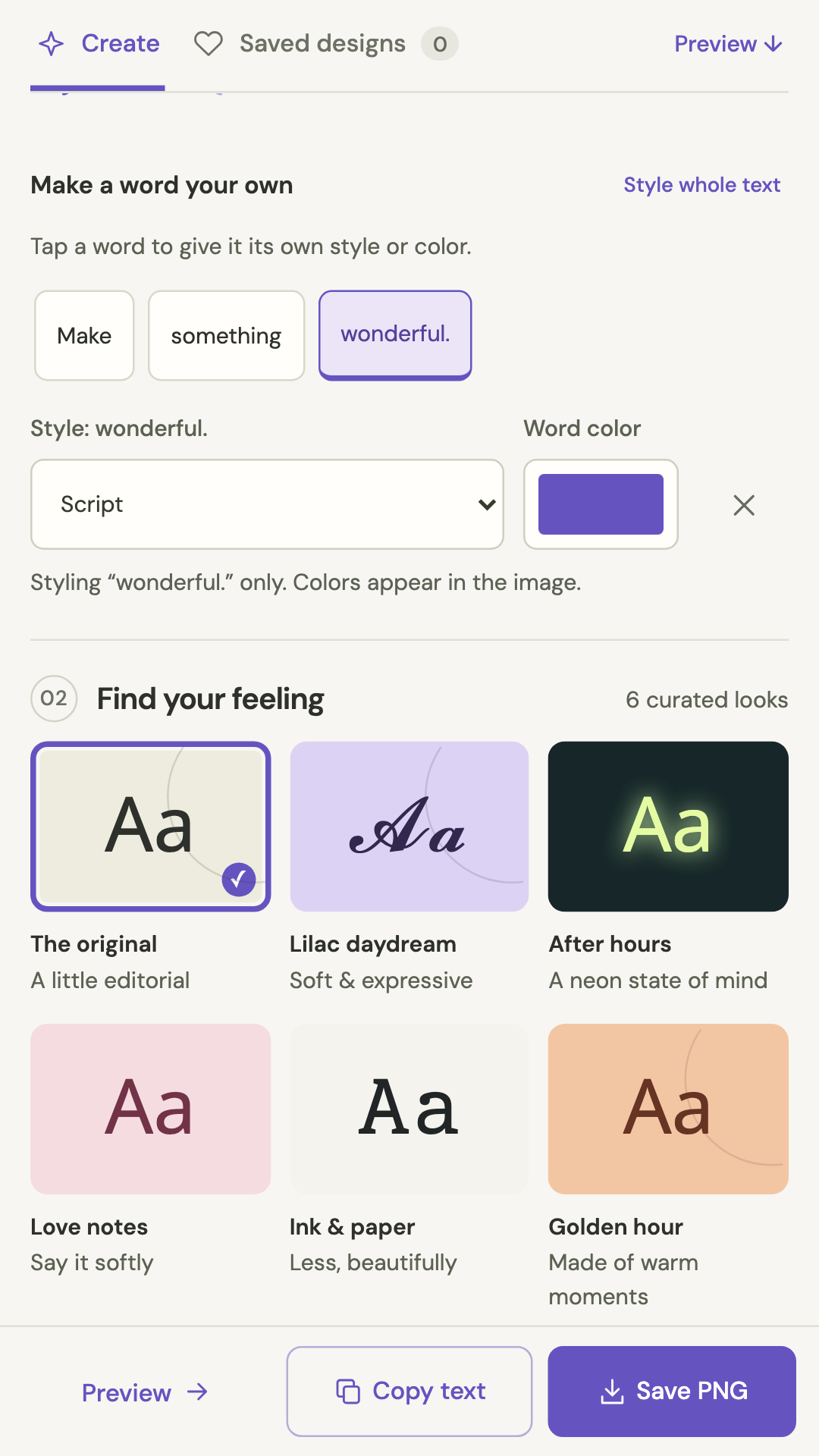
Tap a word chip to choose its style or image color. Use Style whole text to change the base style, and explore the six theme buttons. Per-word colors affect the image, not the text copied to your clipboard.
3. Preview the matching image
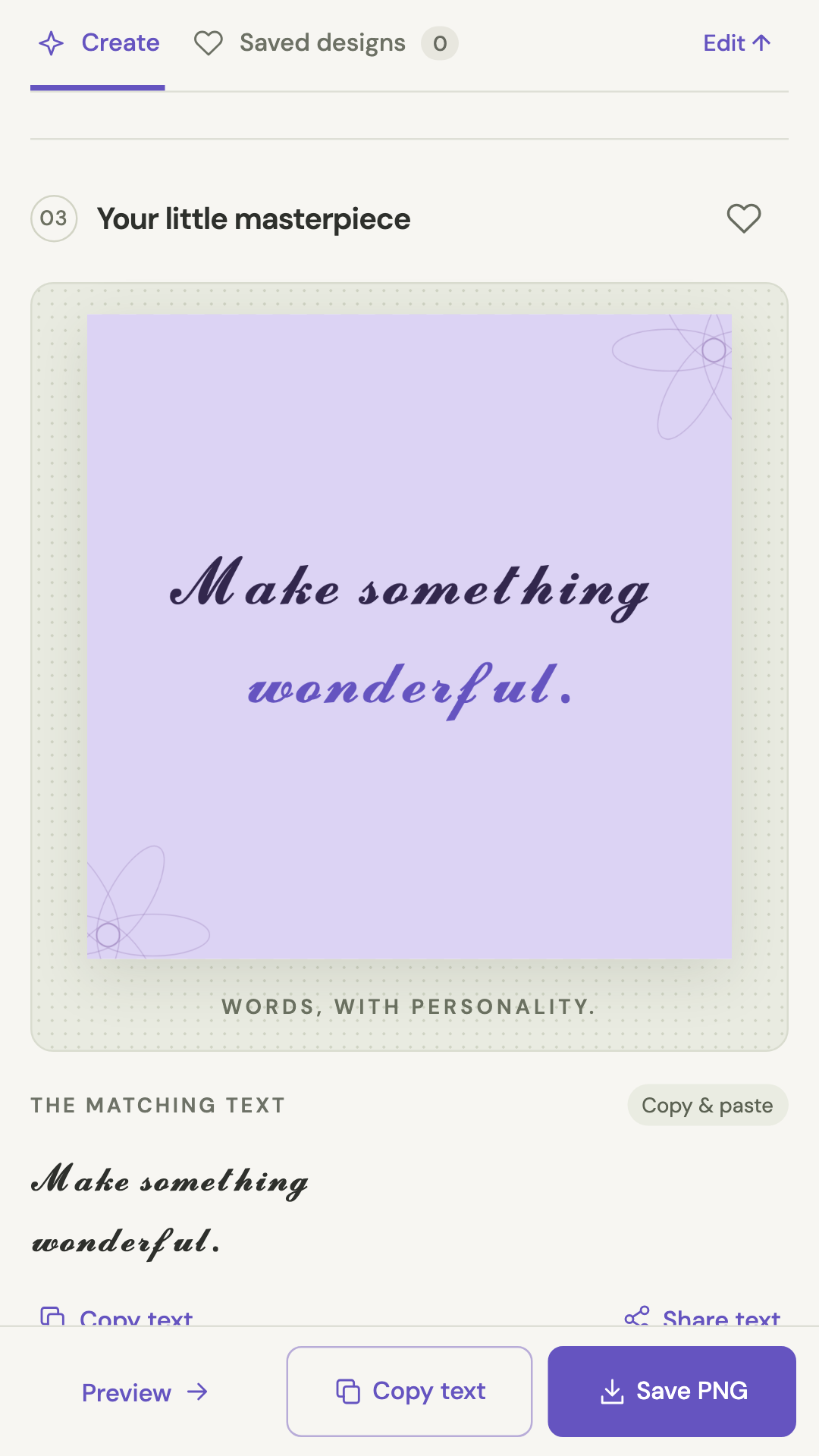
Use Preview to inspect the image design. Adjust size and alignment or add an optional signature. The preview and PNG export use the same renderer. Long text shrinks to fit; if it still cannot fit, shorten it, remove line breaks or choose a taller format.
4. Copy text or export a PNG
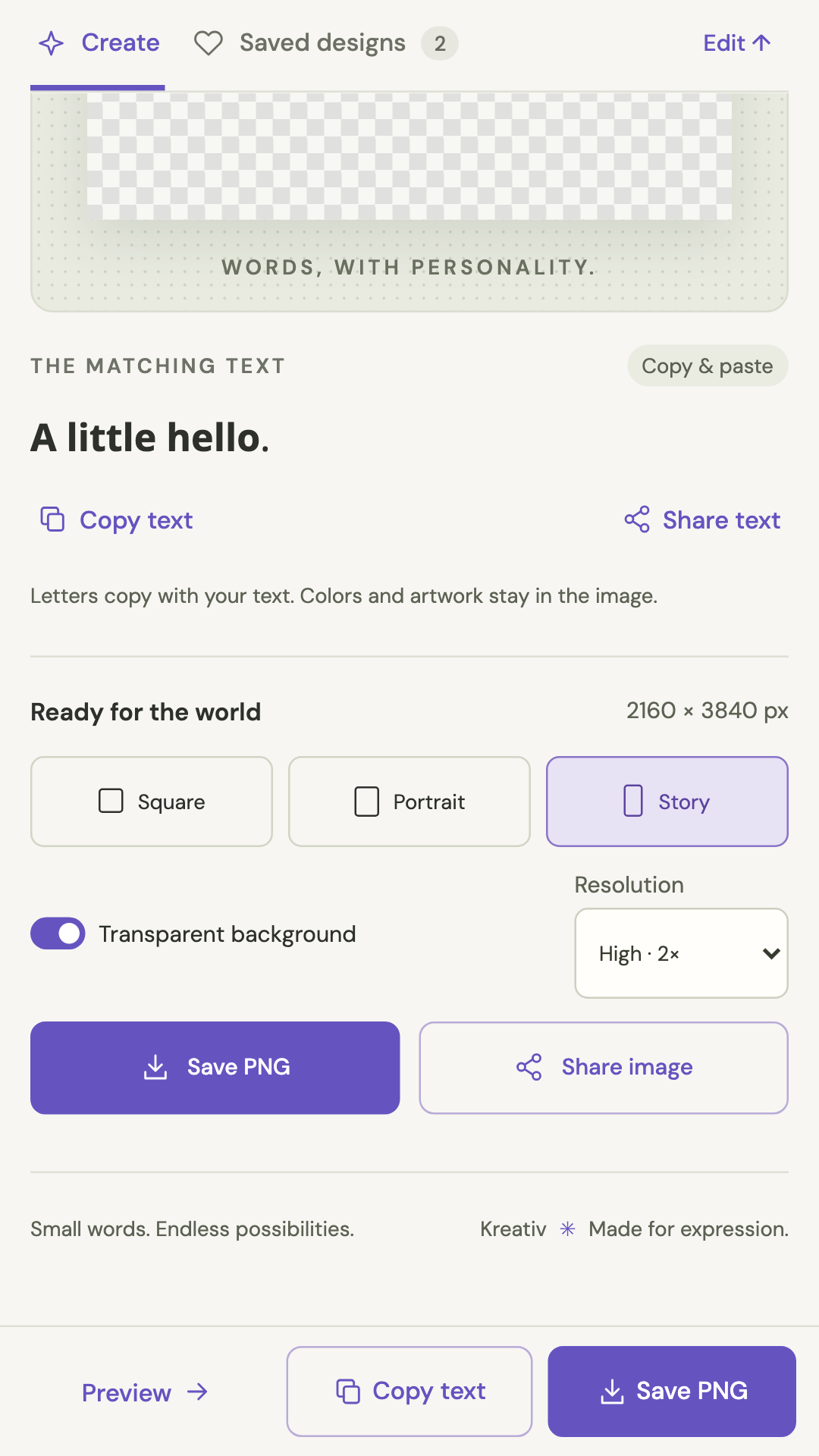
Copy text copies Unicode characters. Their appearance and support depend on the receiving app: it does not copy image colors, artwork or the bundled font. Use PNG to preserve the visual design. Choose square, portrait or story, standard or 2x resolution, and optionally a transparent background. Save PNG opens Android’s system file picker in the installed app; you choose the destination. Share opens the Android share sheet. The browser screenshots below do not depict those native dialogs.
5. Save a design for later
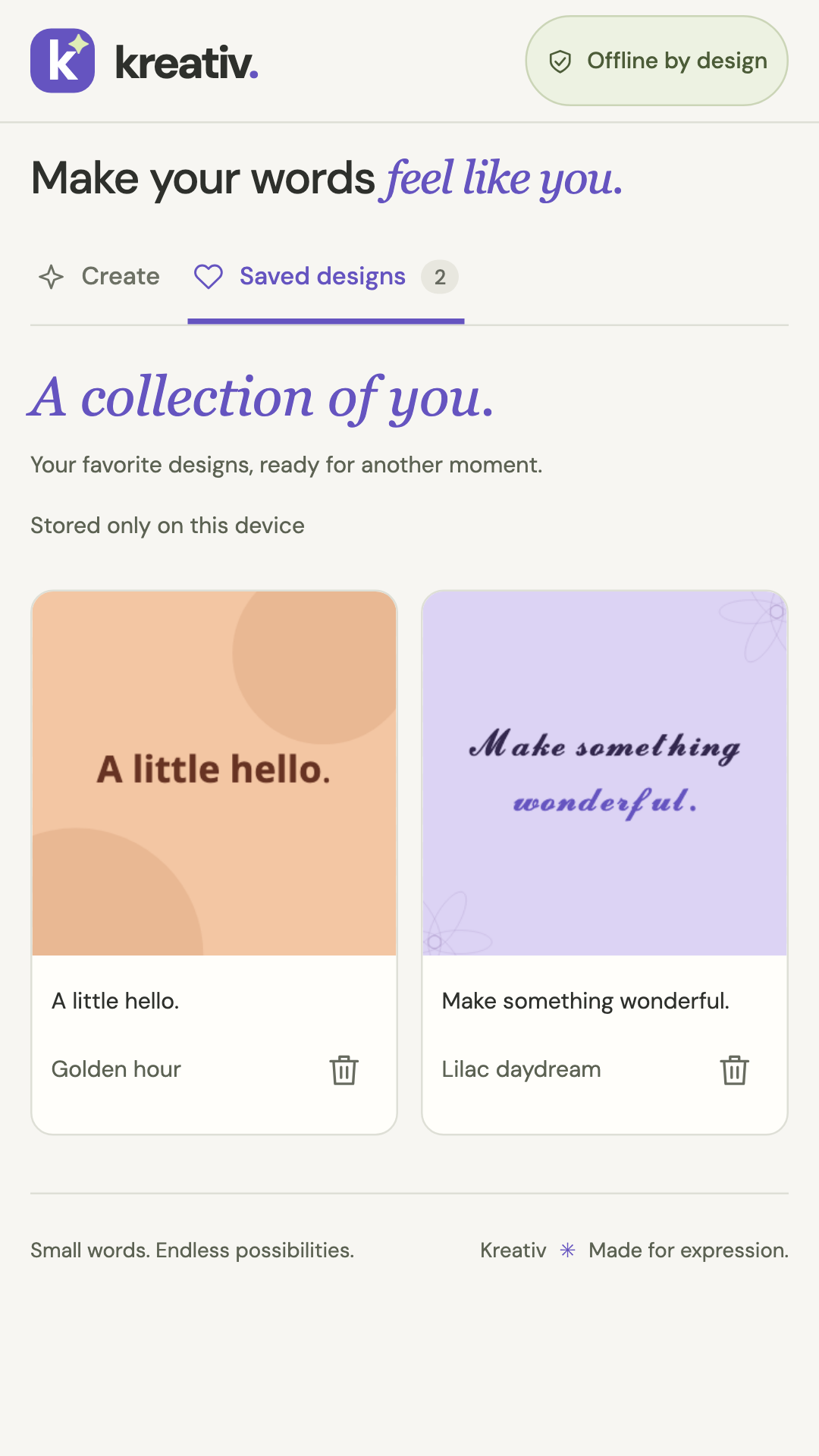
Tap the heart beside Your little masterpiece to save the current design, then reopen it from Saved designs. You can keep up to 50 complete designs. The current draft also restores when the app reopens. Saved designs are local, with no account or cloud sync. Deletion recovery is available during the current app session only; it is not a backup. Clearing storage or uninstalling removes local drafts and saved designs. Export images you want to keep.
Privacy and limits
The Android app bundles fonts and assets and has no internet permission or advertising/analytics SDK. User-initiated shares go to the destination app and follow its policies. It is not a keyboard, phone-font installer, font identifier or full photo editor. Unicode substitutions can affect readability and accessibility; keep important information in ordinary text too.